If you’re wondering what to do after a ransomware attack, the first hour matters most. Disconnect the affected computers from the network right away, but don’t turn them off unless you can’t disconnect them. Don’t pay the ransom, and don’t try to wipe or restore anything yet. Write down what you see, then call your IT provider, your cyber insurer and the authorities.
That’s the core of the federal Cybersecurity and Infrastructure Security Agency’s (CISA) guidance for ransomware victims. Below is a minute-by-minute version for a small office, plus a printable checklist. If you need hands-on help, see our cybersecurity and virus removal service.
Signs it’s ransomware, not just a glitch
Ransomware encrypts your files and demands payment. A ransom message on screen, files that suddenly won’t open, or several computers hit at once all mean you should treat it as ransomware and move to the next step.
Minutes 0 to 10: isolate the affected machines
The goal is to stop the spread. CISA’s checklist says to determine which systems were impacted and immediately isolate them:
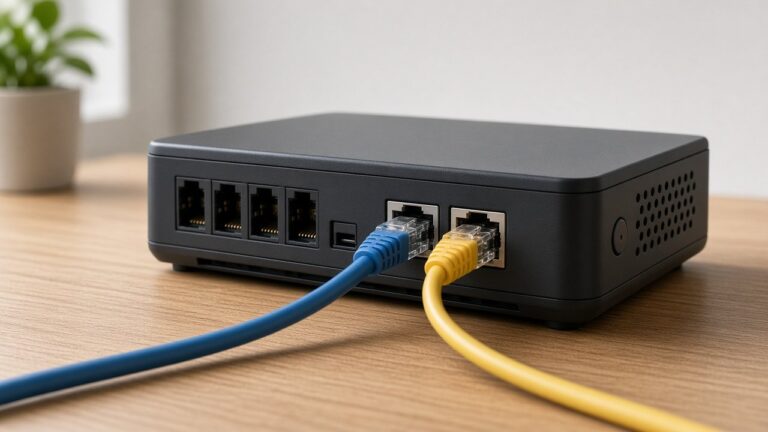
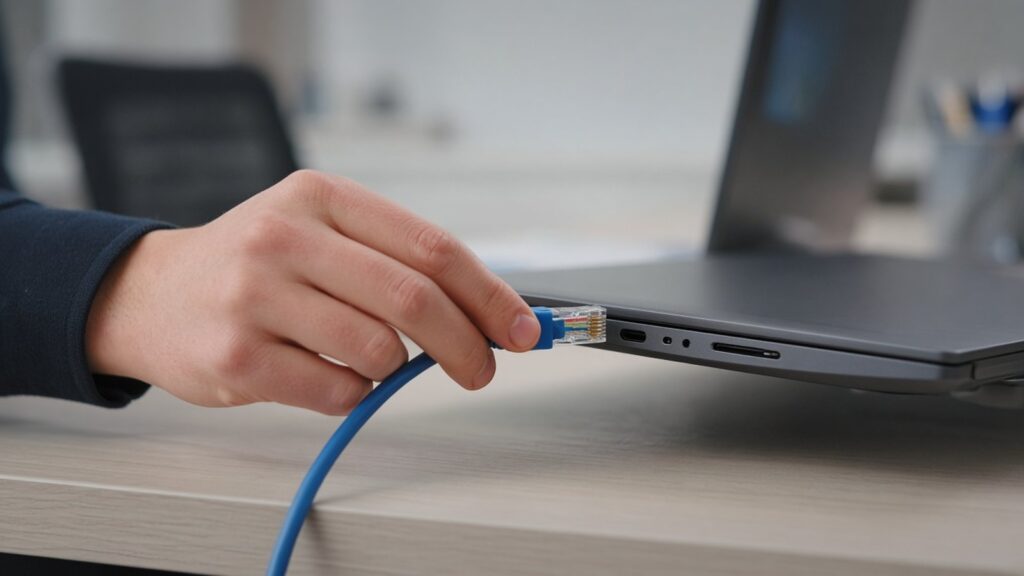
- Unplug the network cable from each affected computer.
- Turn off Wi-Fi on those computers, or disconnect them from the wireless network.
- If several machines are affected, disconnecting the office network at the switch may be the quickest way to stop it spreading.
- Only power a computer down if you can’t disconnect it. CISA notes that powering down can destroy evidence held in memory that investigators and recovery specialists may need.
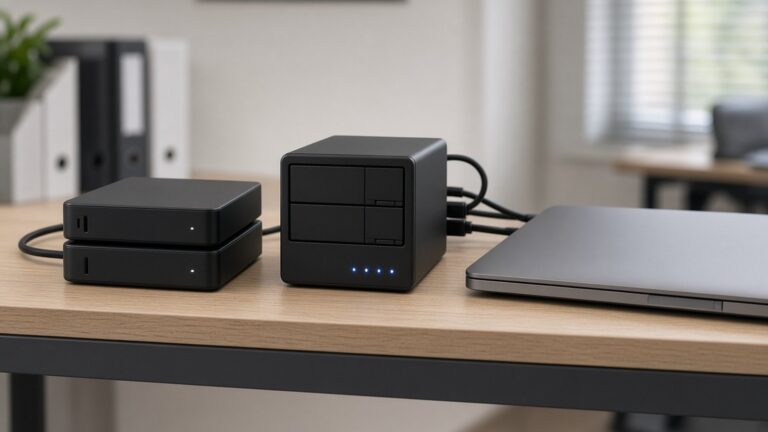
Also disconnect any external backup drive that’s attached, and leave it disconnected.
What not to do
Panic leads to moves that make recovery harder:
- Don’t pay the ransom. The FBI’s ransomware page is direct: “The FBI does not support paying a ransom in response to a ransomware attack. Paying a ransom doesn’t guarantee you or your organization will get any data back.”
- Don’t wipe, reinstall or restore yet. Wiping destroys evidence, and restoring onto a network that’s still infected can encrypt your clean copies too.
- Don’t plug in your backup drive to “check” it. Ransomware often looks for backups to encrypt or delete.
- Don’t use the affected computers or company email to discuss the attack. The attacker may be able to see them.
Minutes 10 to 30: document what happened
What you write down now helps your IT provider, your insurer and law enforcement:
- Photograph the ransom note with a phone rather than saving files from the infected computer.
- Note the times: when someone first noticed a problem and when each machine was disconnected.
- List the affected computers, who uses them, and what shared drives or systems they reach.
- Use phones to communicate. CISA recommends out-of-band communication, such as phone calls, so attackers can’t watch your response.
Minutes 30 to 60: who to call
Make these calls in roughly this order:
- Your IT provider. They can confirm what’s affected, contain it and plan recovery.
- Your cyber insurance company, if you have a policy. Your policy may require specific steps, so call before you hire anyone or make decisions about recovery.
- Law enforcement and CISA. CISA says to report the incident to, and consider requesting assistance from, CISA, your local FBI field office, the FBI Internet Crime Complaint Center (IC3) at ic3.gov, or your local U.S. Secret Service field office.
If customer or employee personal information may have been exposed, you may also have legal notification duties. Our post on Maine’s data breach notification law explains the basics. Talk to your attorney about your situation.
After the first hour: what recovery looks like
CISA organizes ransomware response into phases: detection and analysis, reporting and notification, containment and eradication, and recovery and post-incident activity. The first hour covers the early steps. After that, your IT provider will typically:
- Work out how the attacker got in, and close that gap.
- Remove the ransomware from affected systems.
- Decide which systems to restore first.
- Restore from clean backups, once the threat is gone.
This is where your backups decide how bad the week is. A business with an offline or offsite copy can rebuild. The 3-2-1 backup rule explains how to set one up so it survives an attack like this.
Printable first-hour checklist
Print this and keep it near the office phone:
- Unplug network cables and turn off Wi-Fi on affected computers
- Don’t power down unless you can’t disconnect
- Disconnect any attached backup drives
- Don’t pay, don’t wipe, don’t restore yet
- Photograph the ransom note with a phone
- Write down the time and which machines are affected
- Communicate by phone, not company email
- Call your IT provider
- Call your cyber insurer
- Report to your local FBI field office or ic3.gov, and consider contacting CISA
How we help with ransomware
Our advice matches the FAQ on our cybersecurity page: disconnect the computer from the network, do not pay any ransom demand, and call us. We assess the damage, remove the threat and restore from backup if needed. We also set up the defenses that make an attack less likely, including business-grade firewalls, antivirus, malware and ransomware protection, email security, two-factor authentication and patching, along with data backup and recovery.
Call 207-653-4143 during business hours, Monday through Friday, 8:00 AM to 5:00 PM. Outside those hours, follow the CISA steps above and file a report at ic3.gov. Request IT help, or call 207-653-4143.
FAQs
What’s the first thing to do after a ransomware attack? Isolate the affected computers. Unplug network cables and turn off Wi-Fi. Only power down if you can’t disconnect them.
Should you pay a ransomware demand? The FBI doesn’t support paying. Payment doesn’t guarantee your data comes back, and it encourages more attacks.
Should I turn off my computer if I get ransomware? Disconnect it from the network first. CISA advises powering down only if you can’t disconnect, because powering down can destroy evidence.
How do I report a ransomware attack? Contact your local FBI field office or file at ic3.gov. You can also report to and request help from CISA.
Sources
- CISA, I’ve Been Hit By Ransomware!: https://www.cisa.gov/stopransomware/ive-been-hit-ransomware
- CISA, #StopRansomware Guide: https://www.cisa.gov/stopransomware/ransomware-guide
- FBI, Ransomware: https://www.fbi.gov/how-we-can-help-you/common-frauds-and-scams/ransomware
- FBI Internet Crime Complaint Center (IC3): https://www.ic3.gov/
- Information Systems of Maine, Cybersecurity & Virus Removal: informationsystemsme.com/it-services/cybersecurity-virus-removal/